DataTables is a JQuery plugin, facilitating building Ajax table editors. In this example, I show how to connect it to JEE backend, which is a simple Servlet.
Backend exposes a table, stored as a Java List within Servlet instance. Data is served back in JSON format using Jackson library. Example is deployed on Google App Engine, datatablesjee.appspot.com. Code is available on GitHub github.com/rafalrusin/datatablesjee.
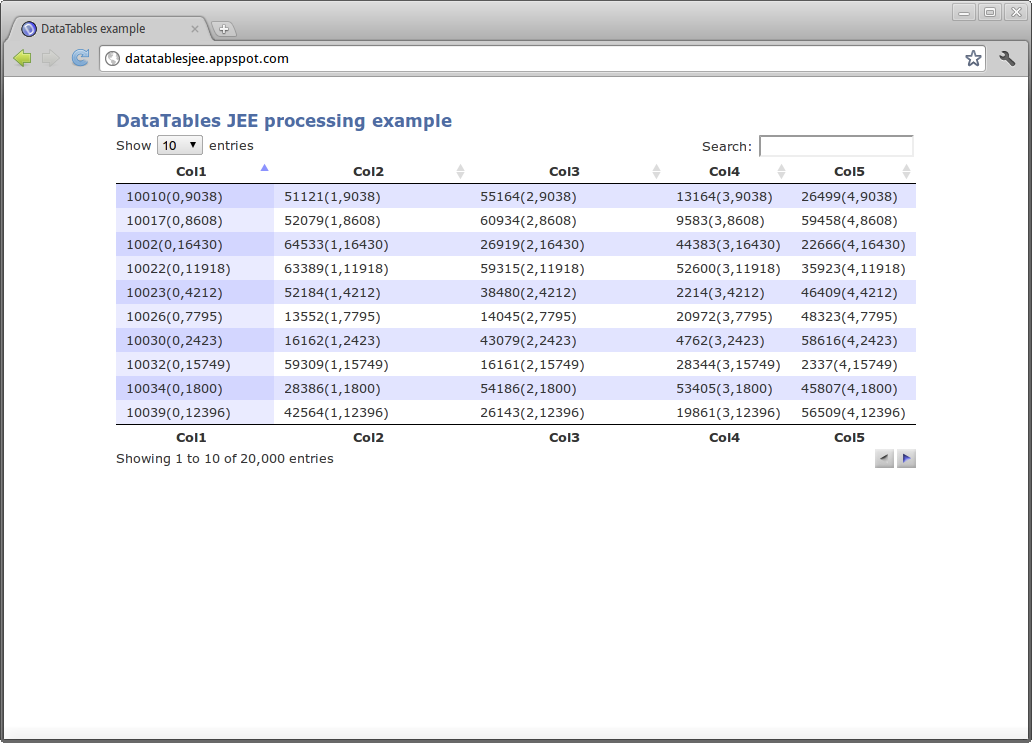
First, we need to instantiate DataTables plugin within a html page. This is extremely easy, by using code below: AjaxSource parameter refers to Servlet URI, which handles requests for data. ServerSide argument is set to true, which means that backend will do sorting, filtering and pagination. This allows us to use large tables (>1000 rows) without performance problems on client side.
Now, we need to implement backend. Servlet requires a doGet method, which needs to retrieve parameters sent from client as an Ajax request. Those parameters describe search keyword, starting row and page size of a table.Then, we need to do filtering and sorting. I used a simple toString + contains methods on a single row in order to do filtering.
Sorting is done via custom comparator, which sorts by given column number. Following code does the job:
Last, we need to send JSON response back to client. Here, we use Jackson, which is a very convenient library for manipulating JSON in Java.iTotalRecords is total number of records, without filtering. iTotalDisplayRecords is number of records after applying filter. aaData is two dimensional array of strings, representing visible table data.
Summing up, I like the idea of Ajax in this form, because client side is not rendered directly by backend (no jsp, etc.). This makes it a detached view, which could be served as static content, from Apache Web Server for example, which is very performant.
